 CloudLase
 The laser rig,
in your pocket.
Discover your DAC, build a look, and run it live from your iPhone. EtherDream, LaserCube WiFi, and IDN over local network. No desktop, no cloud in the signal path.
Built for the person standing next to the rig.
One-handed, dark room, time pressure, safety-critical output. GO is the laser controller distilled to what you actually touch during a show.
Finds your DAC
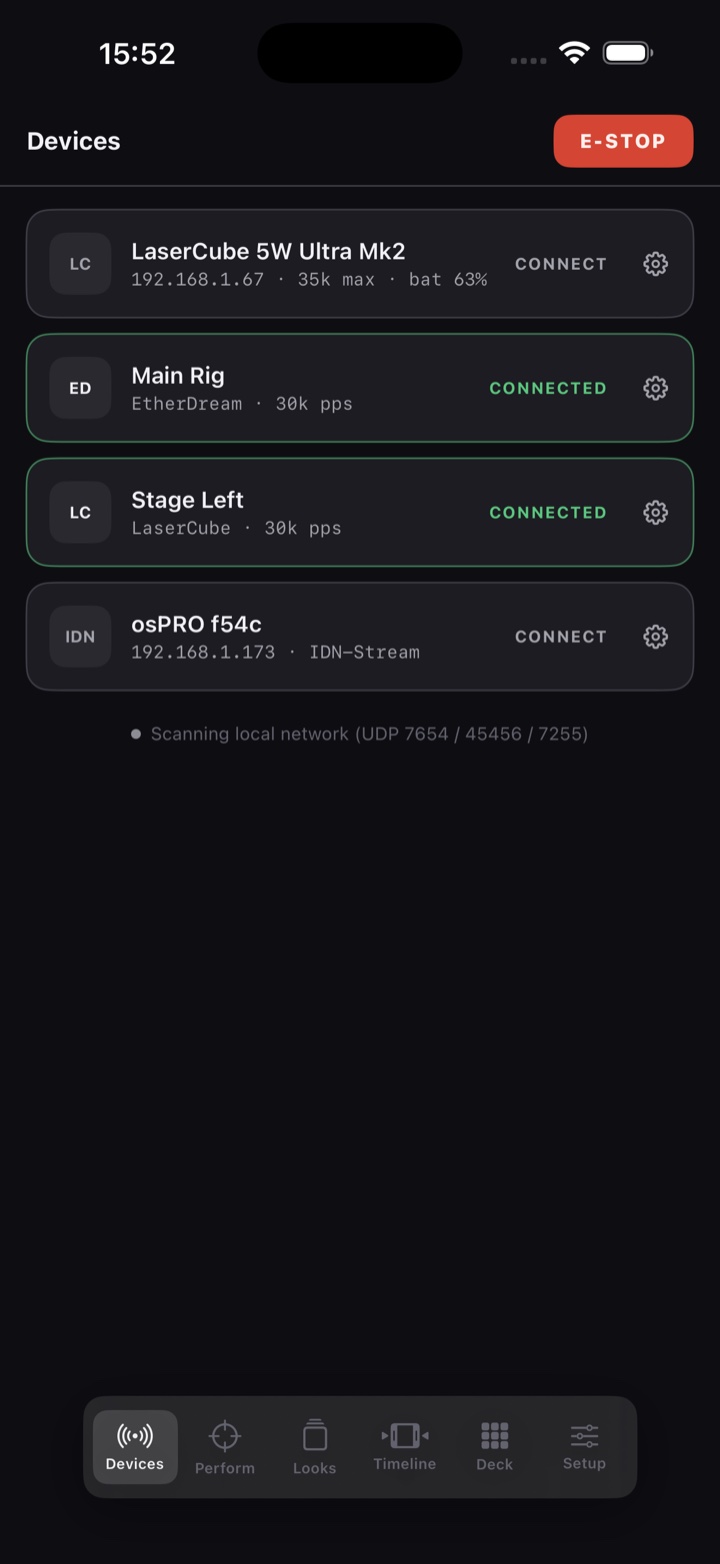
EtherDream beacons, LaserCube WiFi, and IDN are discovered on your network with one tap. Connect and you are streaming.
Build a look as a stack
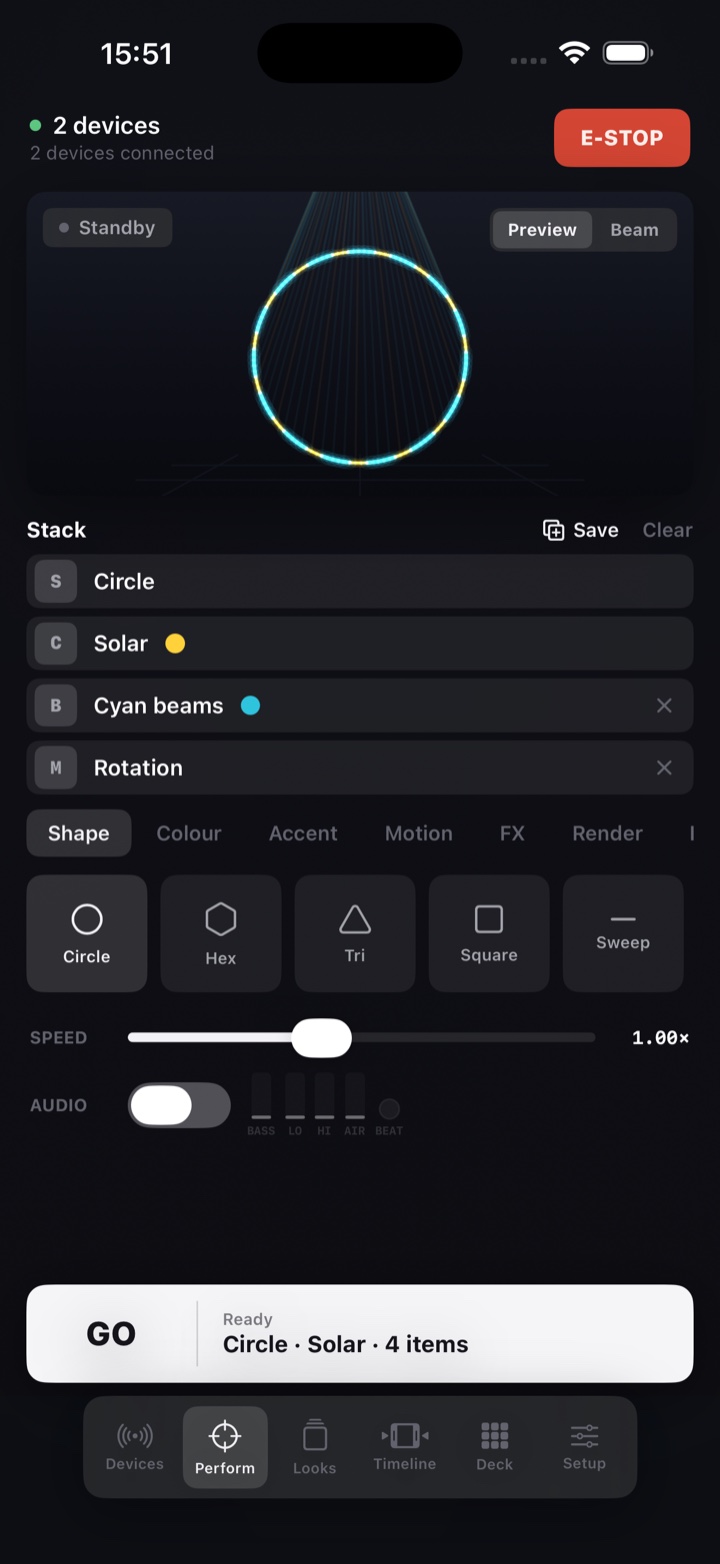
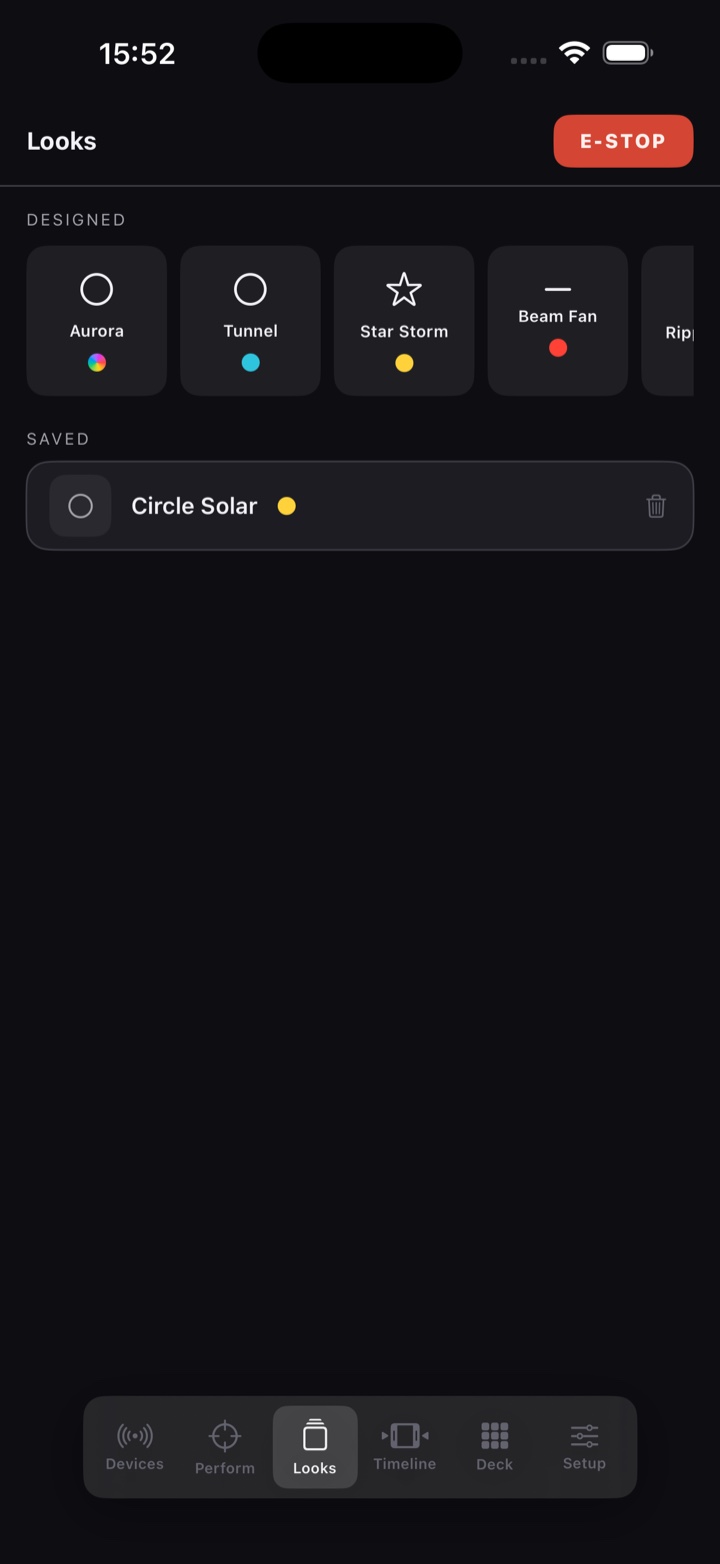
Shape, colour, beam accent, motion, FX. Tap tiles to stack them, remove rows one by one. The same model as desktop Perform.
Live 3D preview
See the venue and the volumetric beams before you fire. Flip between the framed pattern and the audience crowd shot.
Reacts to the music
Drive the look from the mic or a line-in interface. Band-reactive motion and FX move in time with the room.
E-STOP, always there
A latching protocol-level stop on every screen. Backgrounding the app disarms output. Red means output, nothing else.
Local network, no cloud
The signal never leaves the room. GO talks straight to your hardware. The only time it goes online is to activate your licence.
Connect, compose, GO.
Connect
Tap your DAC on the Devices tab.
Shape
Pick a base figure from the palette.
Colour
Add colour, beam accents, motion.
FX
Stack prism, strobe, ripple, chase.
GO
Fire the stack. Tap to stop.
It finds the hardware, so you do not have to.
Open the Devices tab and GO sweeps the network: EtherDream UDP beacons, LaserCube WiFi, and a quiet IDN subnet scan that stays silent on dead hosts. Tap a device to connect; the gear opens its per-device settings.
- Per-device brightness and scale ceilings, invert and swap X/Y, point rate
- Settings persist by device id and follow the physical projector
- EtherDream closed-loop, LaserCube blank-flush teardown, IDN jitter pacing
See the beam before the room does.
Every look renders in a live 3D viewport with volumetric beams. The Preview mode shows the framed pattern as if the source were behind you; Beam mode puts the source up and ahead, beams flying over the viewer, terminations never visible. What you preview is what the laser draws.
- Line mode for continuous outlines, Beam mode for dwell-anchored hits
- Eight stackable motions and ten stackable FX, desktop-parity rendering
- Layout palette spreads multiple copies into lines, rings, grids and scatters
The whole rig, in your hand.
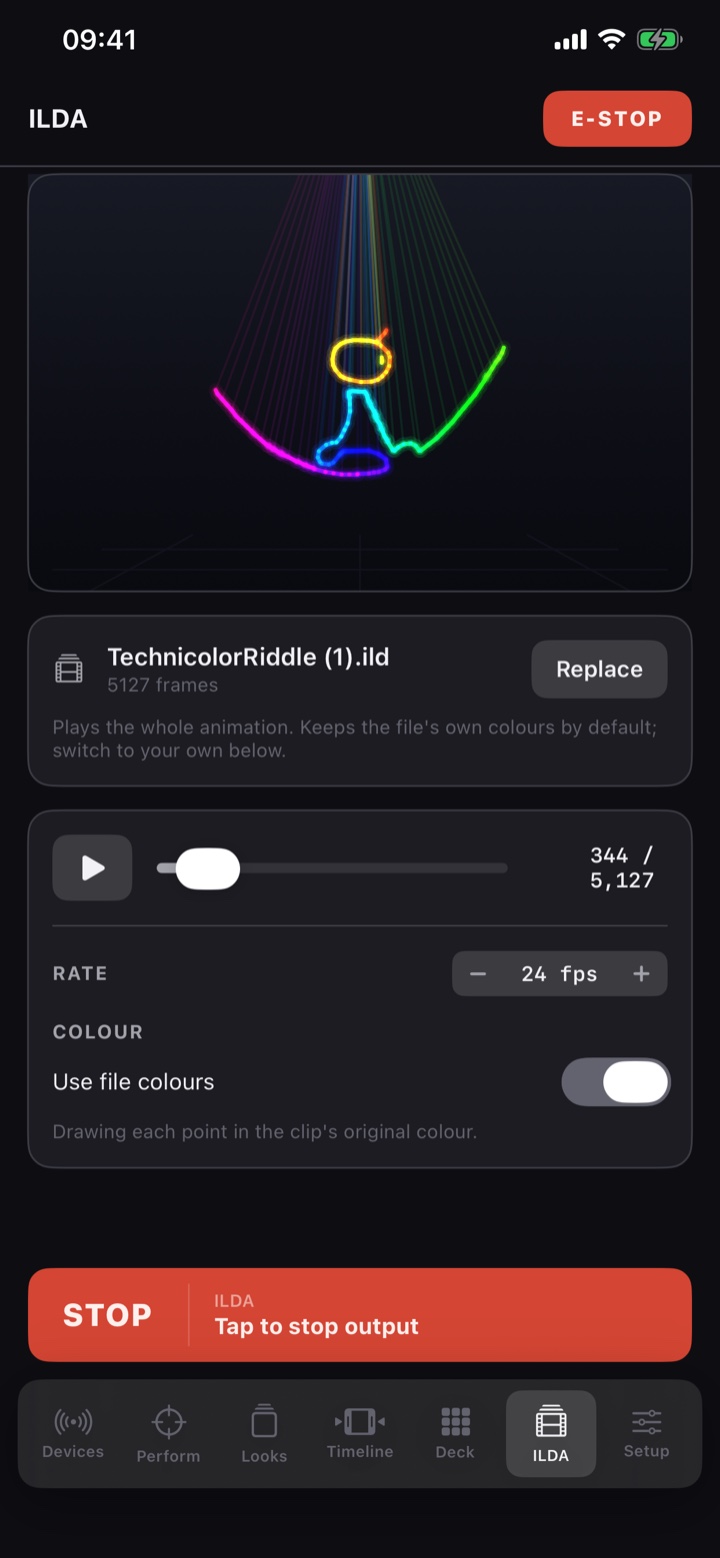
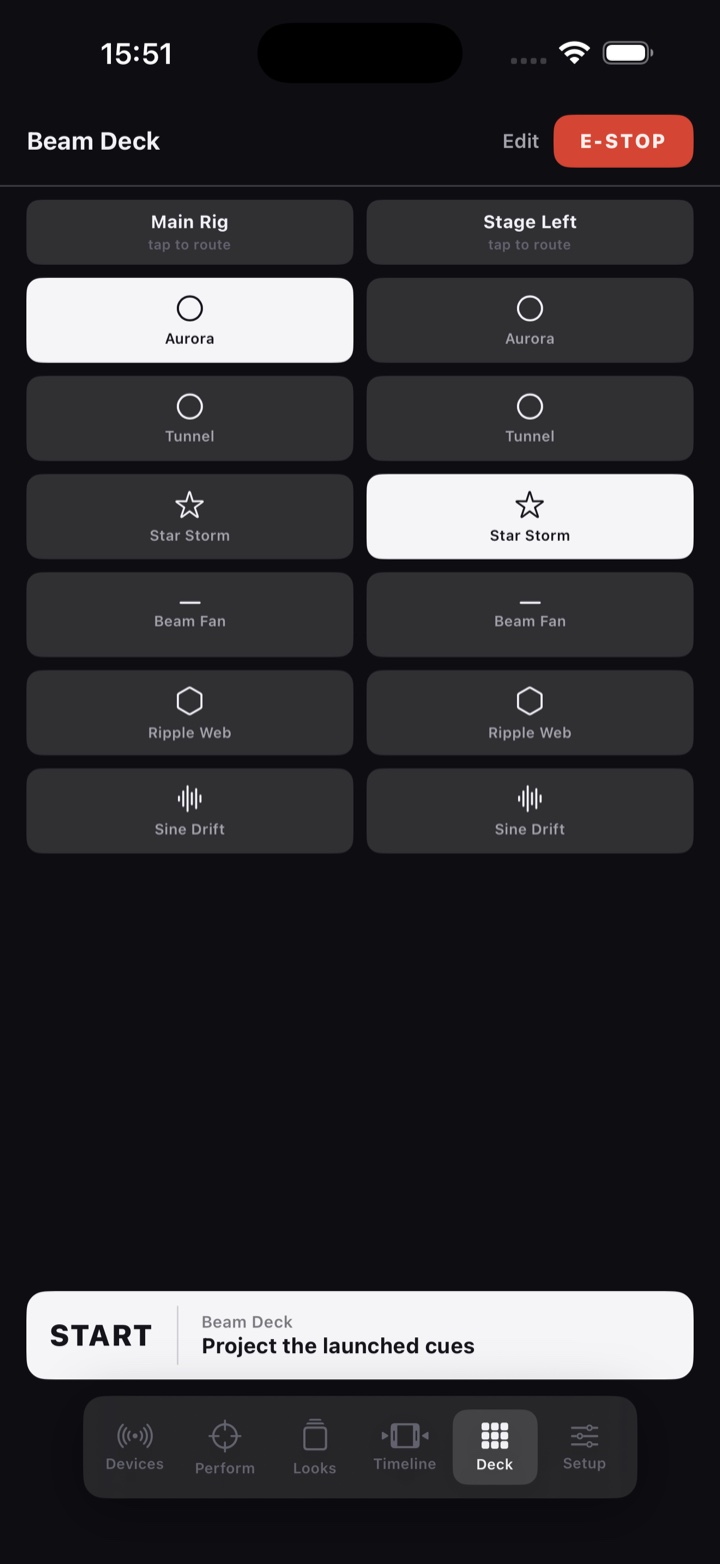
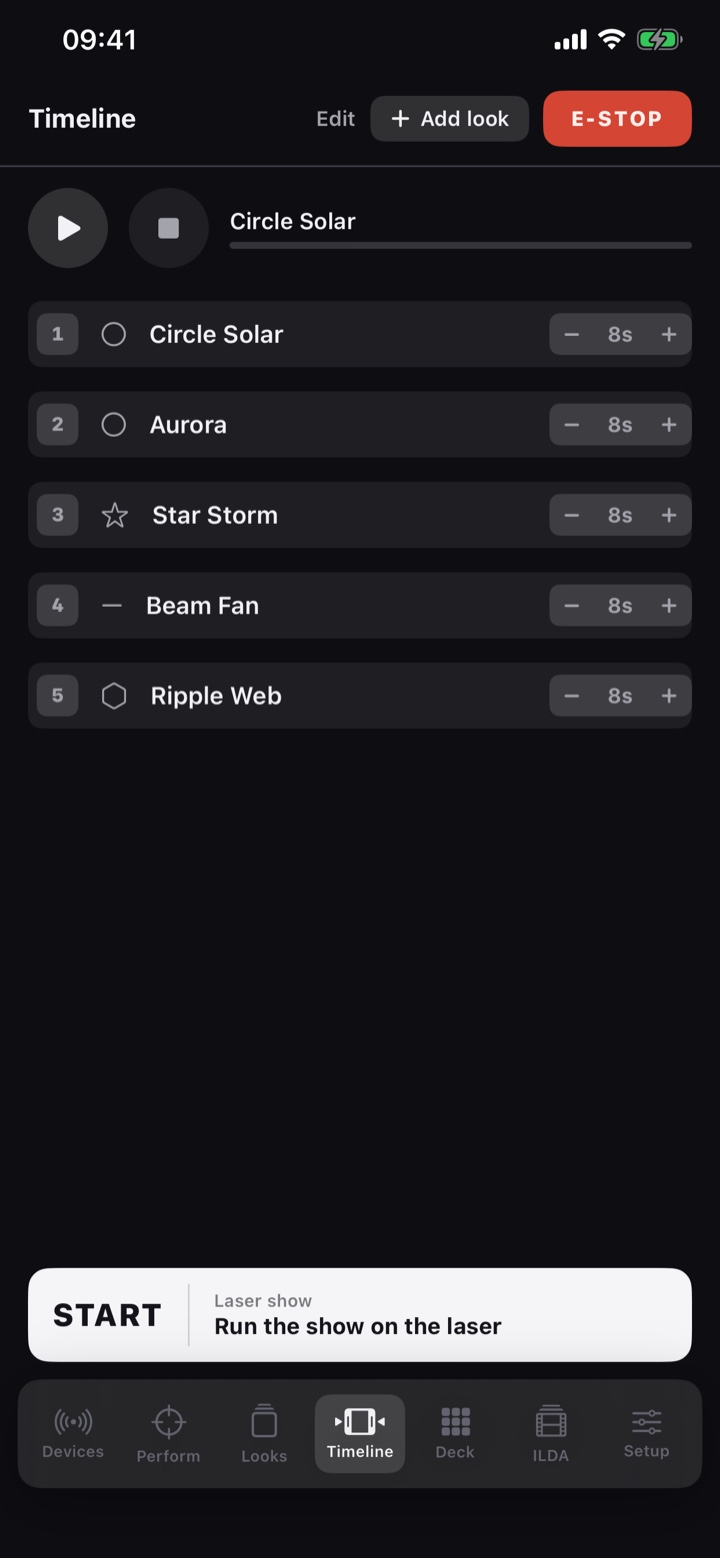
Build a look and hit GO, launch cues live, sequence a timed show, and play any ILDA file, all from the phone.
Engineered for live, in a dark room.
GO assumes a real laser is pointed at a real audience. Every interaction is designed around that.
Latching E-STOP
Always on screen, protocol-level stop straight to the DAC firmware. Hold to clear, so it is never a slip away from re-arming.
Backgrounding disarms
Leave the app, take a call, lock the phone, output stops. The laser never runs unattended behind another screen.
Capped strobe preview
The preview strobe is limited to a safe rate, and brightness and scale ceilings are enforced per device.
Red means output
Red appears only on E-STOP and live-output states, never as decoration. Armed states change copy and shape too, not just colour.
Simple pricing.
One subscription on the App Store. Cancel anytime.
CloudLase GO
Subscribe on the App Store. Cancel anytime.
- EtherDream, LaserCube WiFi and IDN support
- Stack compose, live preview, audio reactivity
- Full safety controls and per-device settings
Good to know.
What hardware does CloudLase GO support?+
EtherDream (TCP, closed-loop), LaserCube WiFi (UDP), and IDN-Stream DACs, discovered automatically on your local network. USB-only DACs like Helios are not supported, because iPhones have no USB host for them.
Does it need the internet or a desktop?+
No. GO talks straight to your DAC over the local network. Nothing in the live signal path goes through a server. You only need a connection once, to activate your licence.
Is it safe to run a real laser from a phone?+
GO is built for it. E-STOP is always on screen and latches, backgrounding the app disarms output, strobe preview is capped, and every screen previews what the laser will draw before it draws it. You are still responsible for your own scanning limits and audience separation.
What iPhone do I need?+
Any iPhone or iPad running iOS 17 or later.
Is there an Android version?+
Not yet. CloudLase GO launches on iPhone and iPad. Android is on the roadmap and we plan to bring GO to it later, so check back.
Bring the rig to life.
CloudLase GO turns the iPhone in your pocket into a laser controller you can trust in front of a crowd.